I think this might be the most enduring project on this blog. I have spent the last 8 years fiddling with it:
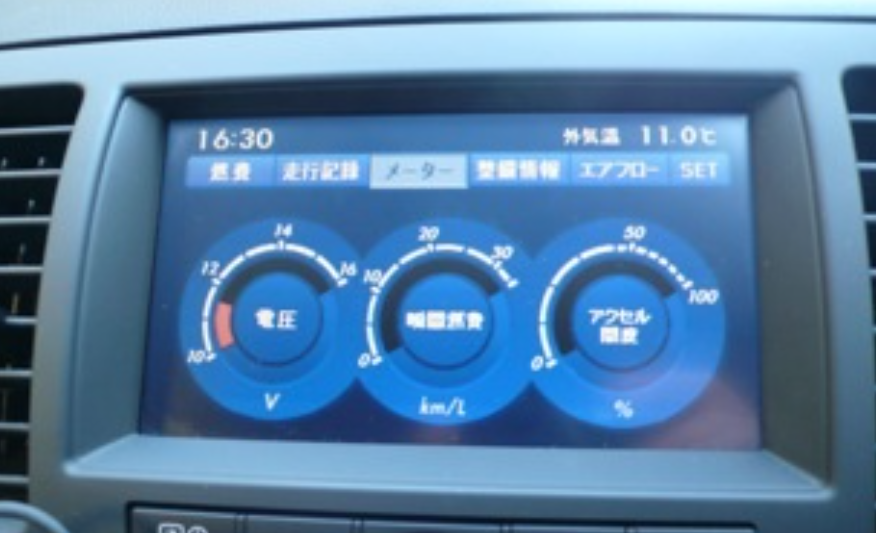
Since getting my Subaru Legacy GTB gen 4 in 2018 I have been trying, unsuccessfully, to recreate the car’s original (its was in Japanese) stats screen that was in the original car entertainment system
The bored can see my trials and tribulations in the Subaru Legacy post series. Photo below is from back in the day before I ripped the original JDM head set out. In hindsight, I cannot really warrant my obsession with replacing it! Voltage, fuel consumption and throttle percentage?!?! Yawn.
Spurred by something unrelated someone said to me at work & my friend Claude…, I have FINALLY cracked it!
This this is a tailored solution to my setup but might to useful to another:
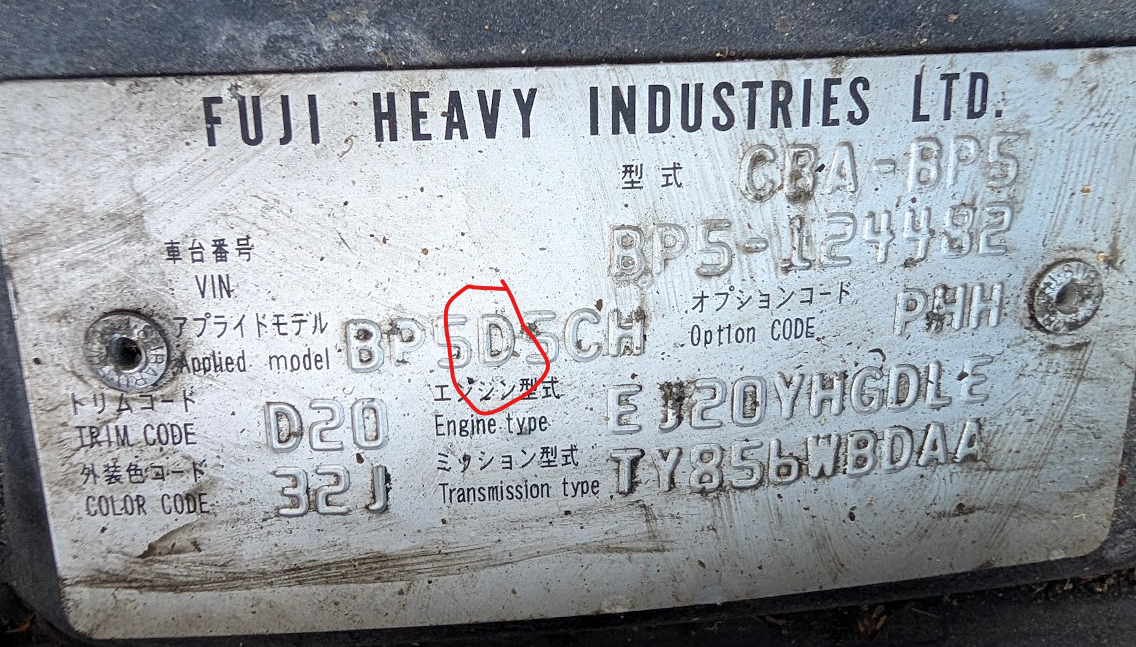
- 2006 Japanese-import Subaru Legacy GTB 6MT (BP5) , Face lifted Revision D (Rev D – this is important)
- Android phone (Pixel 9 XL Pro),
- Head unit with wireless android auto,
- OBDLink LX .
- A validated Google Play Developer account – more on this later
Background
Along the Subaru Legacy journey I did, at one point have BTSSM running on a RPi running Android. A VAG-COM OBDII cable connected to the car’s CAN port and USB on RPi . Worked well enough…but the rest of the setup didn’t. The RPi just too slow to load etc.
BTSSM has vanished from the Google Play Store.
Anyway, a guy at work had this thing attached to his arm. I asked what it was: A Bluetooth blood glucose sensor. He said that there wasn’t an Apple iOS app for it (hardly surprising, he bought it off AliExpress and it sticks a wee needle in your arm or something).
But there is an Android app for it, again not on Play Store – likely for similar reasons – you had to download APK and side load. And since he has an Apple Developer account on a whim he gave Claude AI the APK file and asked it to decompile and convert to iOS.
And it did! Pretty wild. Naughty too (I think Claude etc have since cracked down on this).
Anyway I wondered if I could get at the code under the bonnet from APK for BTSSM and get working again and resurrect my faltered mission.
And then I came across DashSSM, a live replacement for BTSSM…so I didn’t need to bother with the whole APK-decompile thing….
Not the end of the story.
DashSSM
Wireless works via OBDlink dongle!
My very-previous setup had VAG cable plugged into RPi via USB. I had bought a Bluetooth OBDLink LX but it just didn’t work with with BTSSM, Torque and any other app. I was kind of resigned to it: Old Subarus were different, they didn’t do OBD2 standards.
On a whim I dug out the OBDLINK LX, installed the DashSSM 0.6.0 beta 2 expecting the same and it connected and read data!
A rabbit hole opened up.
Why does DashSSM and OBDLink LX works on my gen4 Legacy
My Japanese 2006 gen4 is 後期 apparently, the late model facelift (Revision D to F). JDM Rev A-C did not follow ISO 15765 for comms policy on the OBD-II port so generic OBD port dongles and phone apps just say “Nah, speaking wrong language”.
The Revision D marked an architectural shift in how Subarus implements OBD-II and how Subaru Select Monitor (SSM). Since a JDM model on the Rev D strict ISO 15765-4 CAN protocols were not followed – the US or European car would need to be law. So generic OBD port dongles and phone apps still struggle with the peculiar implementation.
No Android Auto support in DashSSM
There are reasons for this.
- You cannot sideload an Android Auto apk it has to be distributed via Google Play (not wholly true, you can sideload the xxxx type, but this will not be available if vehicle in motion)
- You wouldn’t get a ‘car statistics’ app approved on Google Play. The allowable app types allowed on Android Auto is pretty strict & limited.
So the only way to get an Android Auto supporting app running while car in motion is to bundle up and put on Google Play as an Internal Testers release. All a bit of a hassle, but Claude can setup bundle with apk etc.
SSMGen4
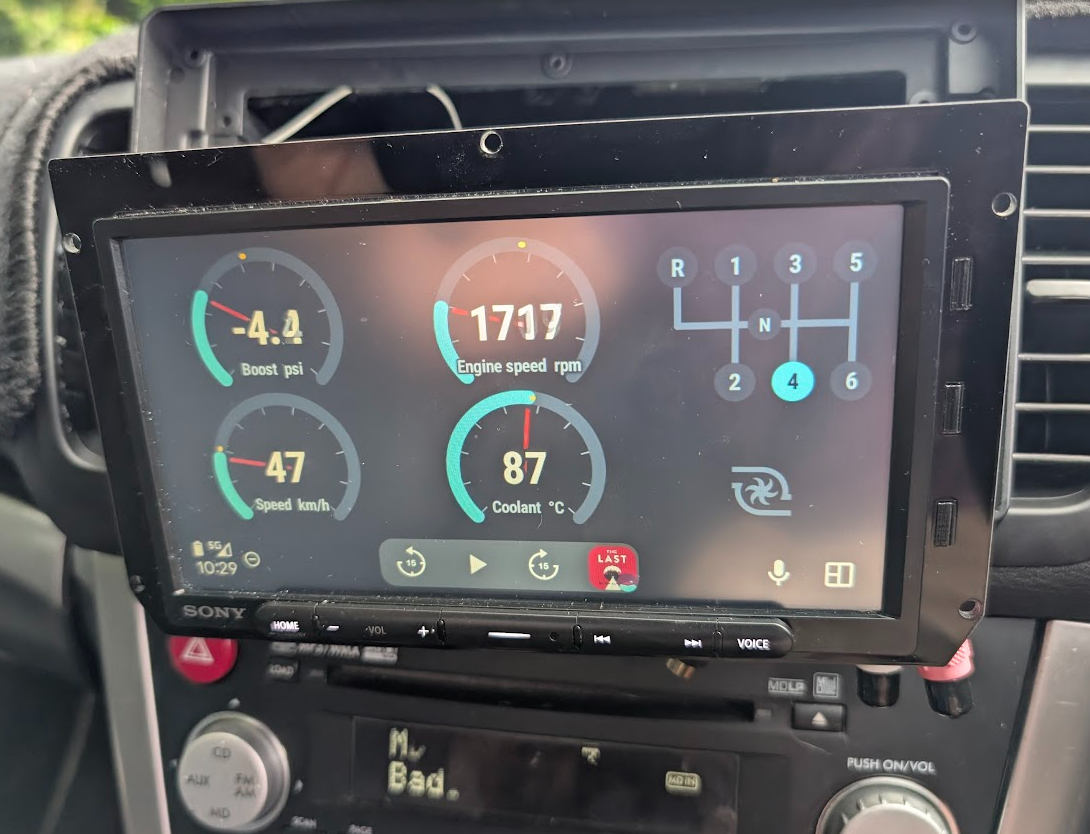
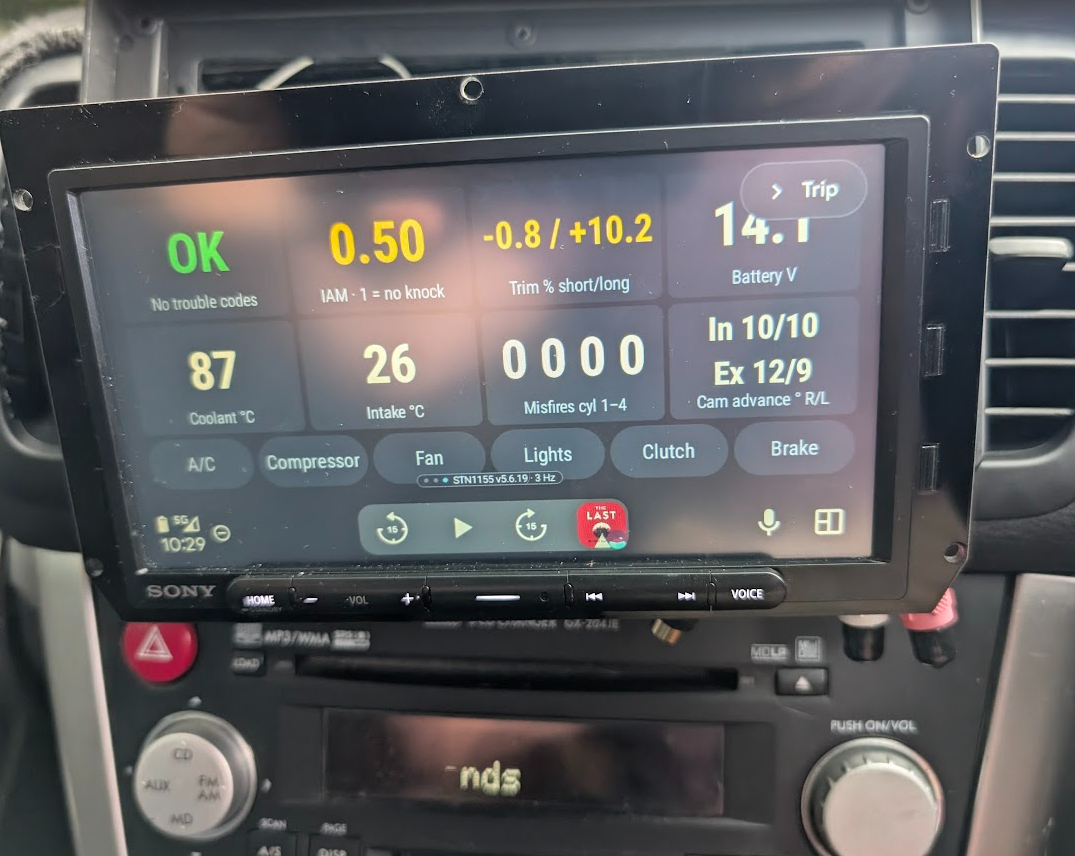
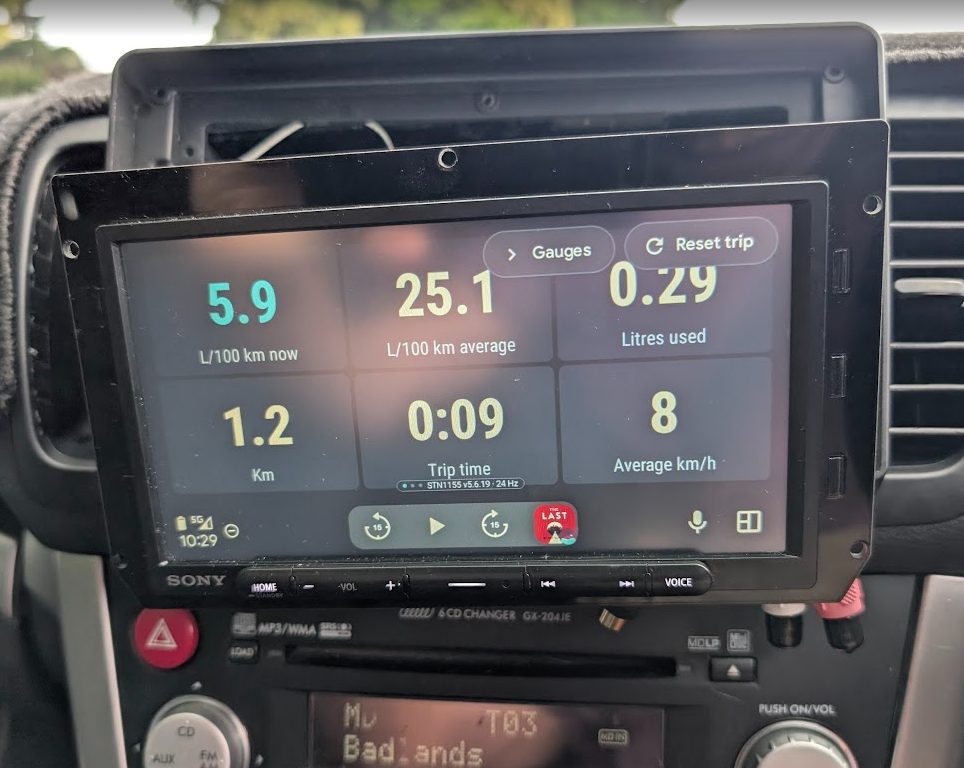
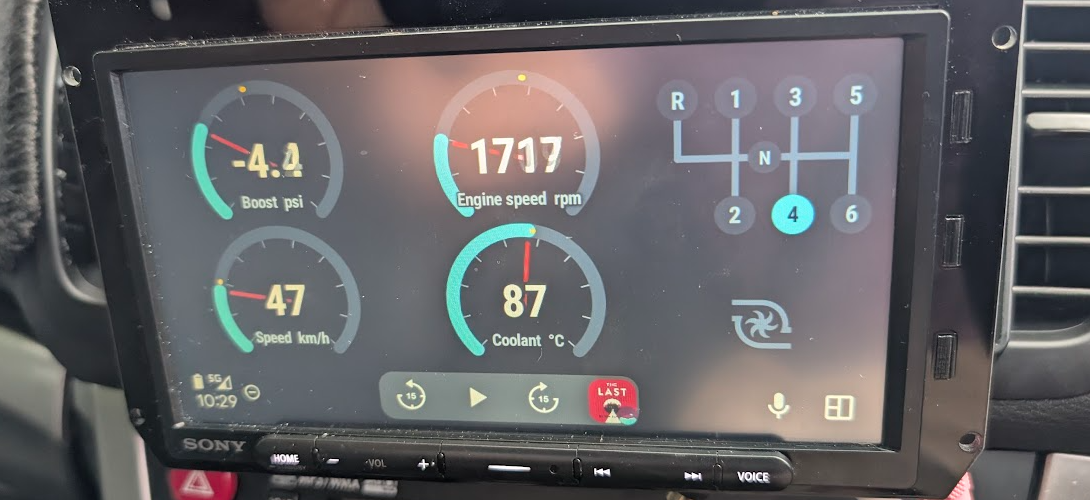
I ended up *developing* my own app from scratch. I say *develop* since Claude wrote every line of it. Mmmmm. I pointed Claude running as an agent in Android Studio at the RomRaider repo and went from there. Screen shots below.
- Phone autoconnects to OBDLink LX by BlueTooth
- Phone autoconnects to Android Auto head unit wirelessly
- Android Auto implementations has 3 screens. Gauges, trip and ‘stuff’
- The selected gear does is not read directly from OBD stream – do not think it is there. It is infers from engine speed, road speed and car’s gear ratios.
- Nothing really shows on the phone. BT connection status. For dev purposes you can also run a sweep sequence in car (blip throttle, turn on lights etc) which is logged.